


Are you struggling with a disabled or restricted Facebook account? You are not alone. In recent months, many users have experienced sudden account restrictions because of Meta’s AI monitoring system. Even long-time users with no history of policy violations have suddenly found their accounts disabled without warning.
This article provides 4 proven ways to recover a disabled or restricted Facebook account, along with tips to prevent future restrictions. By following these methods, you have a chance to regain access to your Facebook account safely and efficiently.
What to Do First After Your Account Is Restricted
Stay Calm Before Filing an Appeal
- You have 180 days to submit an appeal
- Avoid rushing to click “Appeal” or submitting documents right away
Proven Ways to Recover Your Facebook Account
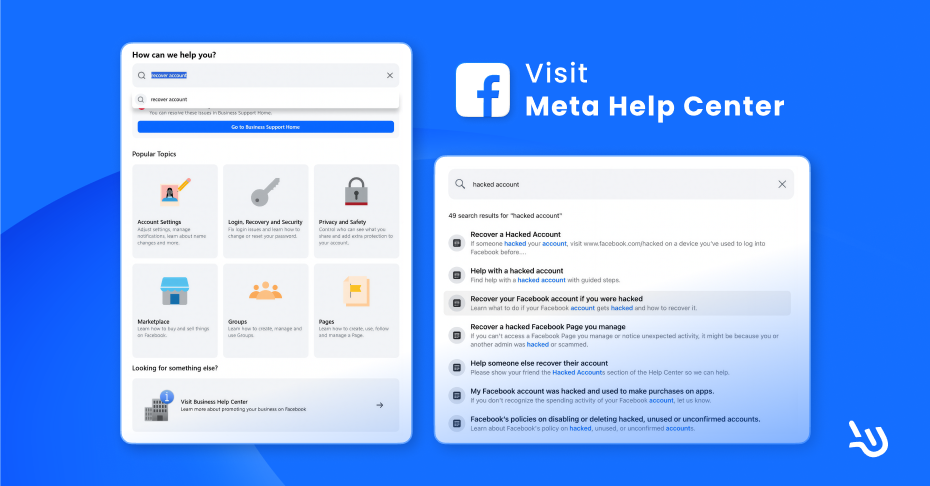
Check the Reason Your Account Was Disabled
Step 1: Access the Official Help Center
Go to Account Recovery | Facebook Help Center. If the link doesn’t work, copy and paste it into your browser.
Step 2: Search for relevant issues
- Type your issue in the search bar, such as “hacked account” or “disabled account”, to find relevant help articles.
- Review the articles to understand why your account may have been disabled, and follow the recommended recovery steps.
Method 1: Get Meta Verified for Human Support
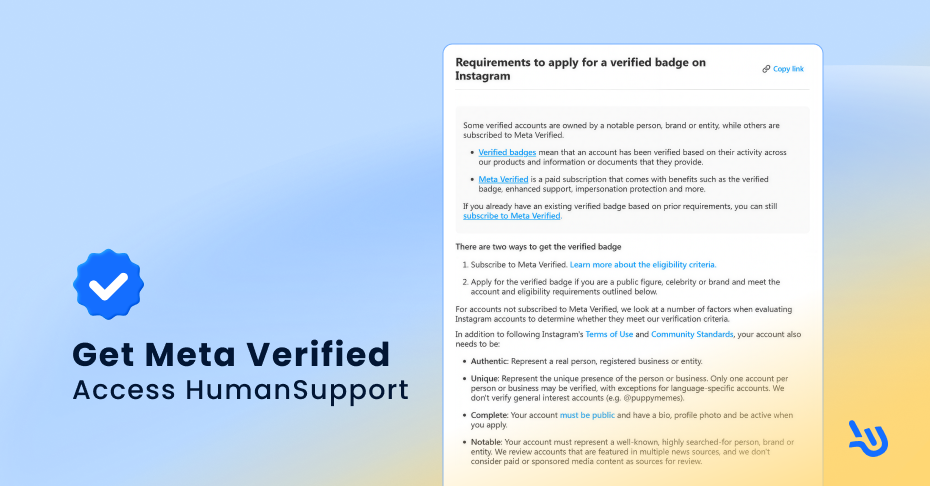
Case Study: Sharon’s Intelligence Agency Saved Facebook Account in One Day Using Instagram Blue Checkmarks!
Step 1: Use Your IG Account
If your Facebook account is disabled but your Instagram is active, purchasing a blue check verification badge can help you contact human support. Verified accounts typically receive priority support.
Step 2: Alternative if IG is Also Restricted
- Borrow a friend’s IG account to purchase a verification badge
- Ensure the profile info matches your disabled FB account
Important Notes
- New IG accounts cannot apply for verification
- Borrowing someone else’s account carries the risk of linked restrictions
Method 2: Contact Meta via Email and Registered Mail
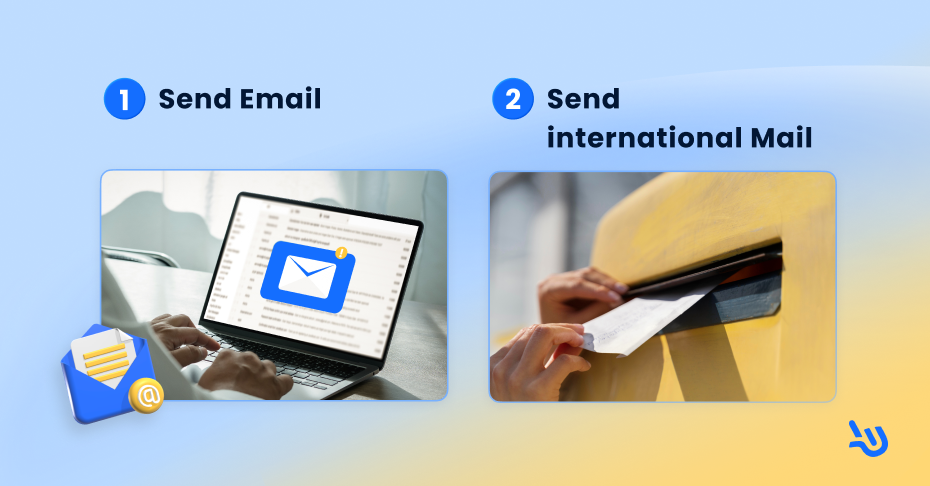
Email Addresses to Try
Sending Physical Mail Documents
Send registered mail to Meta’s headquarters:
Recipient:
Meta Platforms, Inc.
Attn: Legal Department 1
Address:
1 Meta Way
Menlo Park, CA 94025
United States
Phone:
+1 650 543 4800/+1 650 308 7300
Suggested Content
- Your identity, account info, and country
- Description of the restriction event and timeline
- Importance of the account
- Screenshots and valid ID (passport recommended)
- Polite, clear language
- Sender’s email and name
Responses can take several weeks or even months, so patience is essential.
Method 3: Small Claims Court (Advanced Option)
Some users have reported success through the U.S. small claims court, prompting Meta to respond after business losses caused by a disabled account.
Disclaimer: This involves legal procedures. We do not provide detailed instructions or legal advice. If you are interested, please consult appropriate legal resources. The general idea is that small claims court can sometimes prompt Meta to review your account, but outcomes are not guaranteed.
How to Avoid Getting Restricted Again
- Avoid excessive tag removals or frequent reports of suspicious content
- Do not upload sensitive images (Meta AI may flag even harmless content)
- Disconnect Facebook, Instagram, and Threads accounts to prevent linked bans
- Be cautious of unsolicited messages claiming they can help recover your account
- Assign multiple admins to pages
- Avoid sharing devices or networks among admins
- Learn how SnapPost on Facebook can help you schedule posts safely to prevent account banned.
How to Safely Create a New Facebook Account
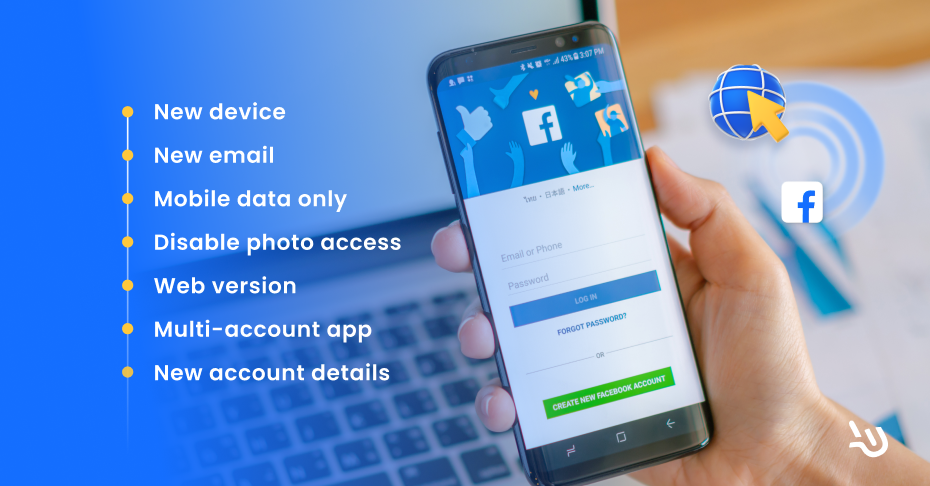
Creating a new account on the same device often gets it blocked quickly. To reduce the risk of being banned:
- Use a new device if possible.
- Use a new email address.
- Connect via mobile data instead of Wi-Fi.
- Disable photo/album permissions.
- If a new device isn’t available, consider using the web version or multi-account apps.
- Make sure the new account information is different from your previous account.
- Avoid adding too many friends at once.
Meta’s system tracks digital footprints. If it detects similarities with a previously banned account, your new account may also be disabled.
Conclusion
By following these four proven methods, you can significantly improve your chances of recovering a disabled or restricted Facebook account. Be patient, follow official meta information, and adopt preventive measures to avoid future restrictions.
Start implementing these steps today and regain full access to your Facebook account safely.